Published on November 20, 2025
Trademark Tools
I created a web app that surfaces trademark identifications from the USPTO's ID Manual based on a free-form text input.
The Problem
Every U.S. trademark application must include an identification of the goods and/or services the mark is used with (or will be used with). This identification is important because it sets the scope of protection for the filing. Therefor lawyers spend a significant amount of time crafting good descriptions.
To streamline the identification process, the USPTO publishes the Acceptable Identification of Goods and Services Manual (ID Manual), which includes standardized wording that is less likely to be flagged as vague or indefinite by examining attorneys. Using ID Manual entries is also one of the requirements to qualify for the more affordable TEAS Plus filing option.
However, finding the ID Manual entries, or "standard IDs", that best fit a particular business is challenging due to the size of the search space. There are tens of thousands of standard IDs. The basic keyword search made available by the USPTO is slow and error-prone.
The Solution
I developed a search and ranking algorithm that utilizes a free-form description of a business to find related standard IDs. The algorithm is highly tolerant to user errors including spelling mistakes and omissions.
If I were trademarking "enroot2" I might try:
a personal website where I share blog posts, images,
code, and applets about engineering, programming,
software, carpentry, making, and food/cooking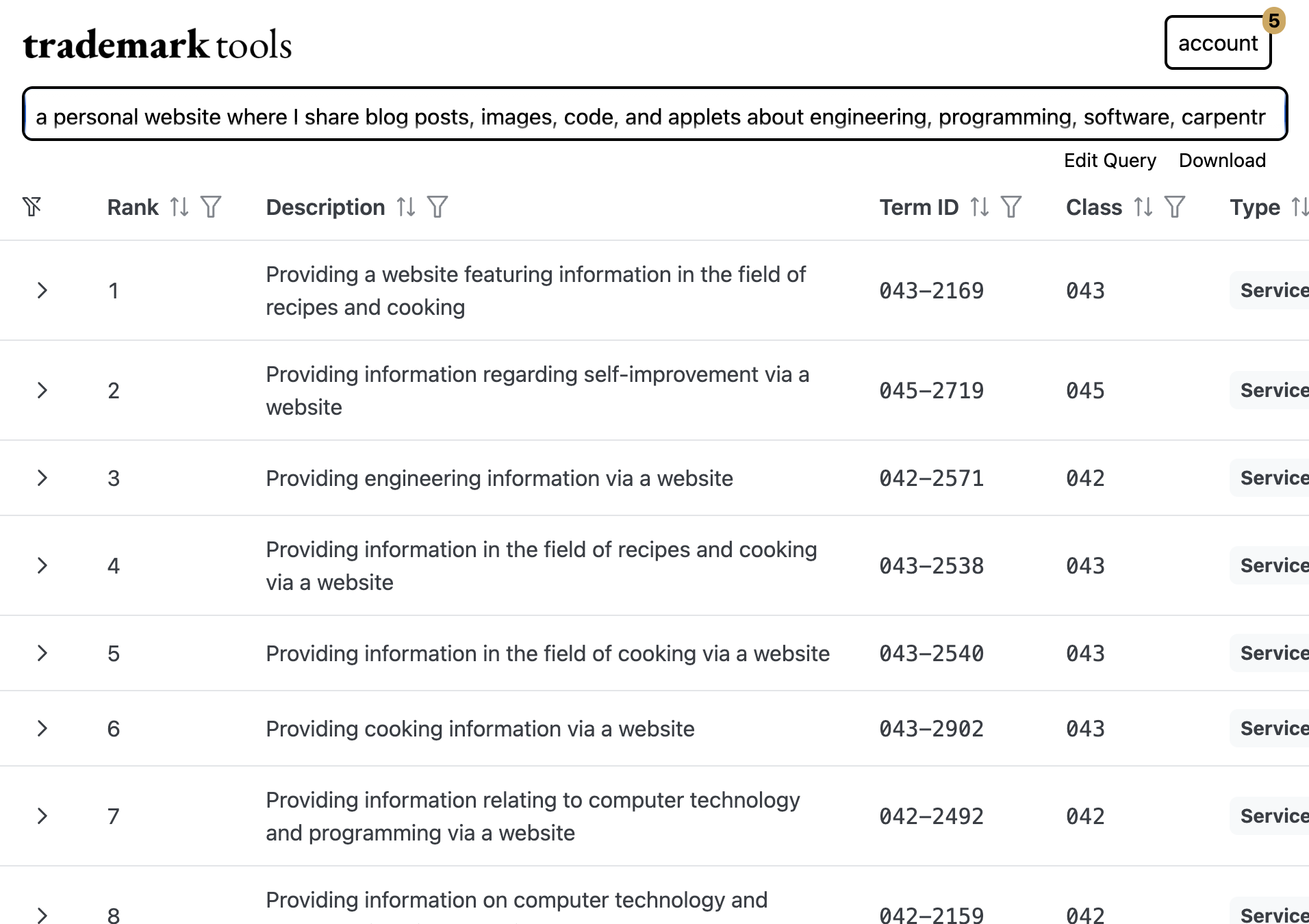
The solution required enriching each standard ID with additional context. This step was conducted with an automated pipeline designed to accommodate the occasional change in the database of standard IDs.
A user's search query is similarly parsed and scrutinized. A pre-compiled local database is used to significantly speed up this step. Copyright concerns were avoided by exclusively using government publications in the public domain. Finally, the broken-down query is compared to every standard ID and those deemed most related are ranked and returned.
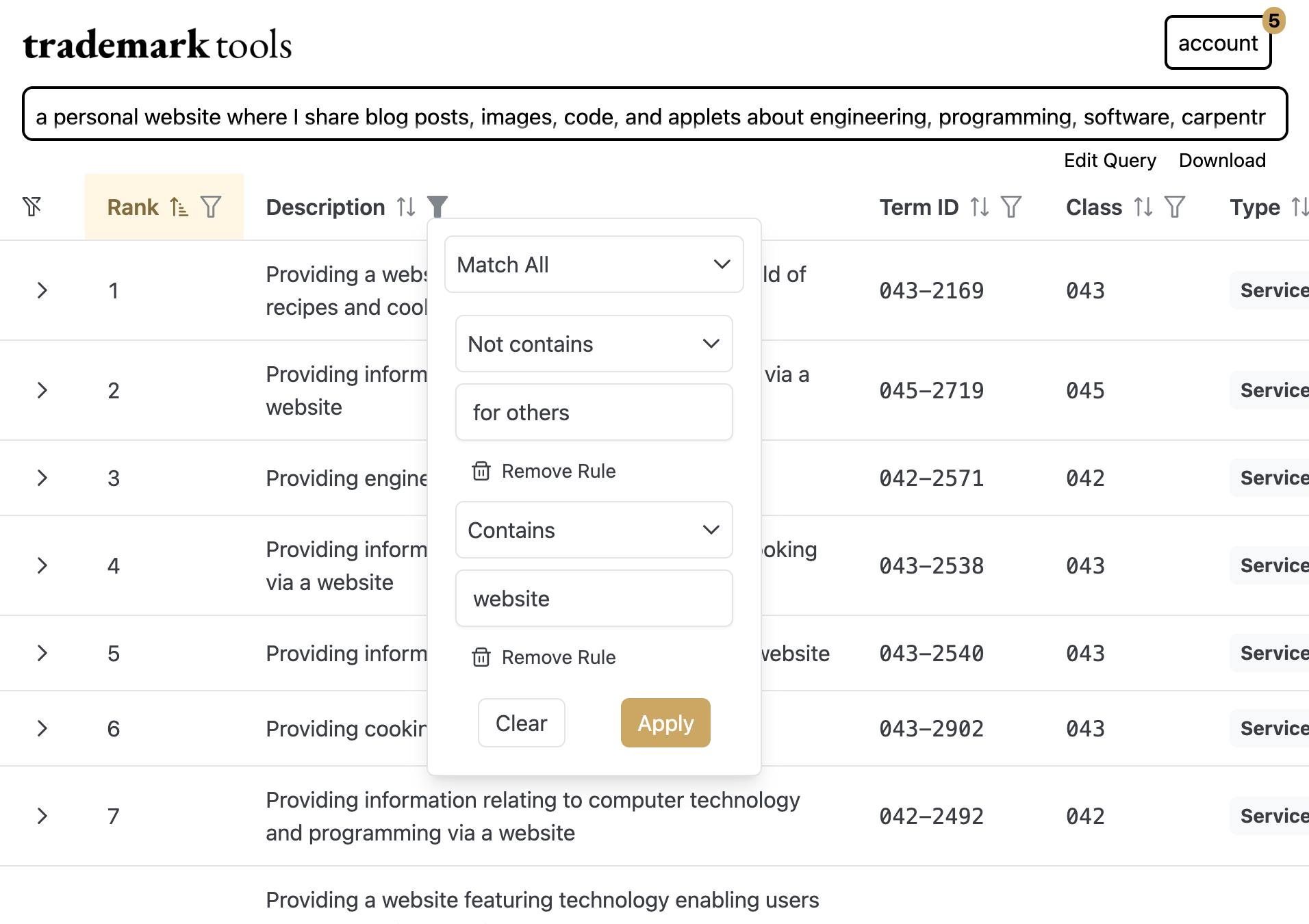
The results can be filtered using any combination of logical comparators and sorted by any field.
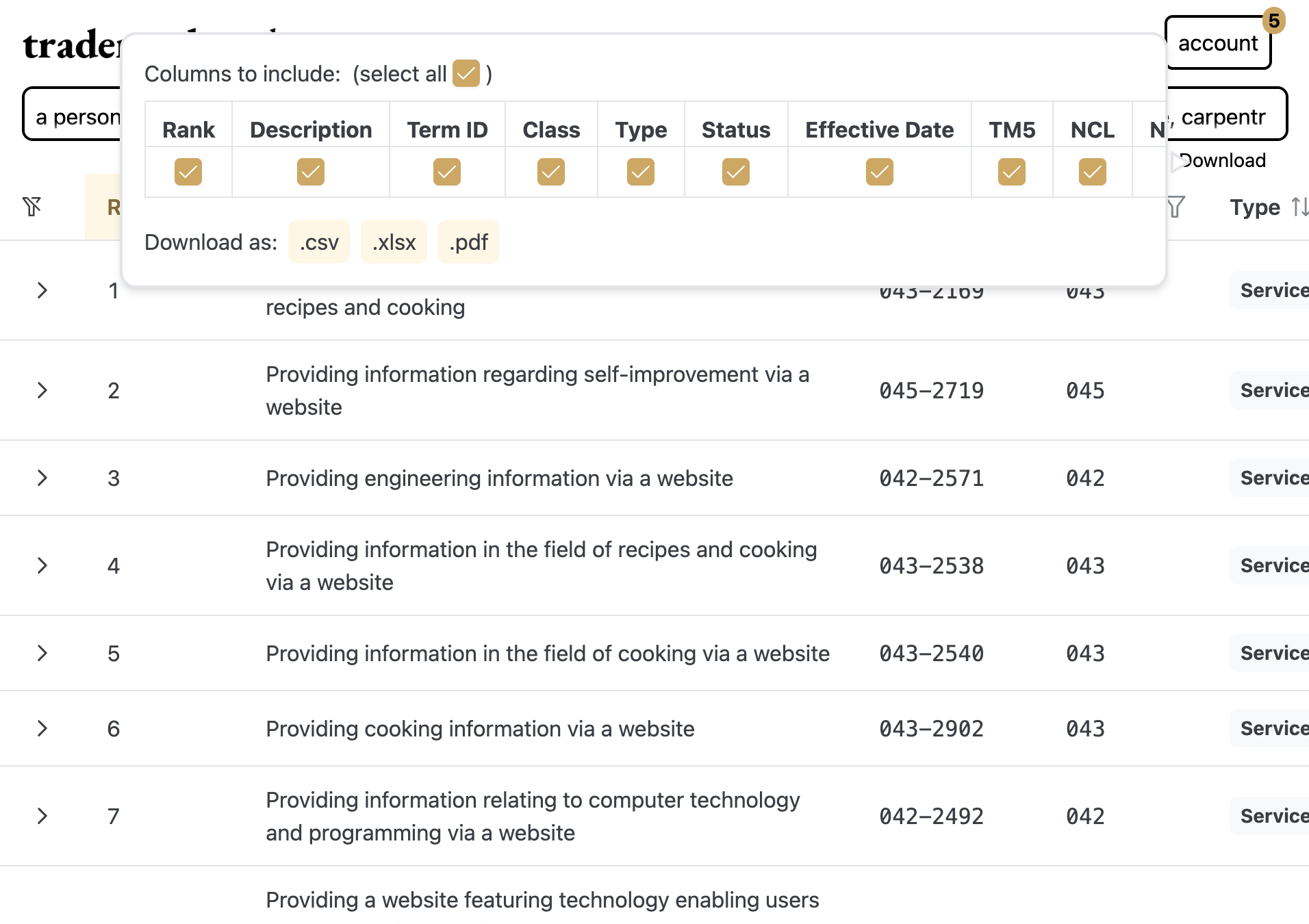
Results can also be downloaded as a csv, xlsx, or PDF document.
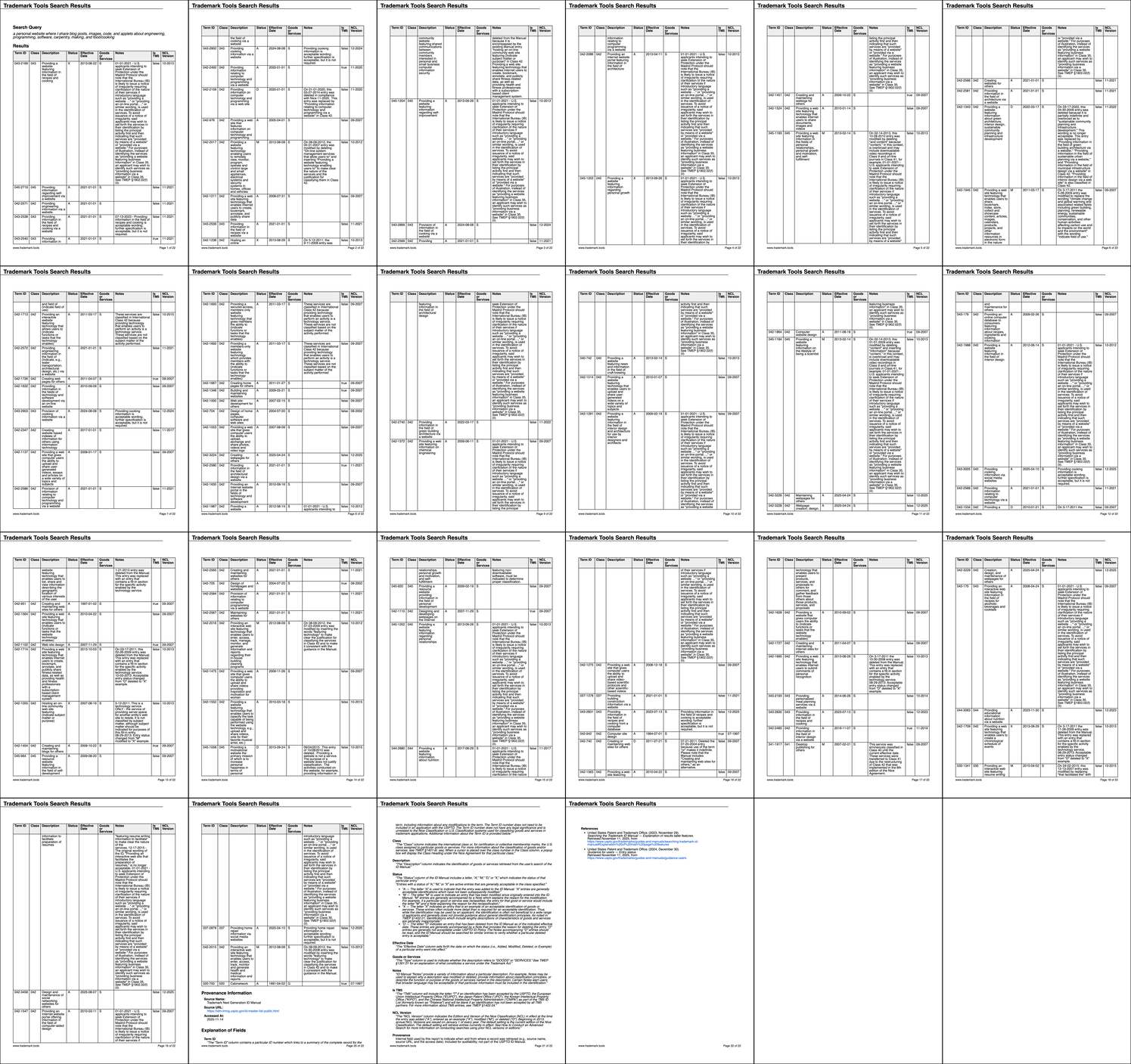
PDF downloads are provided as an attractive report.
A query can be edited. For example if I also publish a downloadable magazine with all my content I could edit the query like so:
a personal website where I share blog posts, images,
a downloadable e-magazine where I share blog posts, images,
code, and applets about engineering, programming,
software, carpentry, making, and food/cooking
software, carpentry, making, and inventing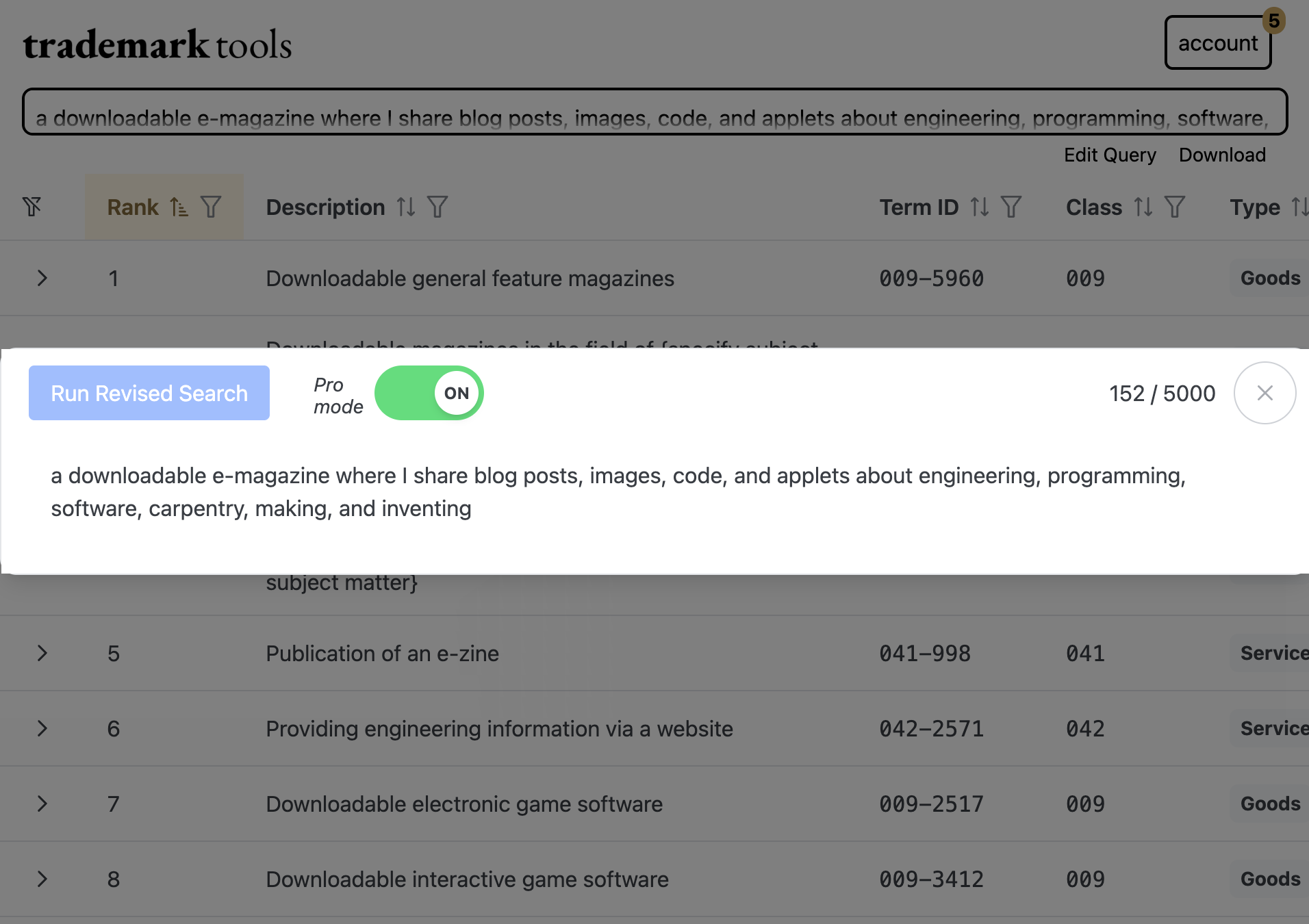
The results will be significantly different because a website is considered a service while downloadable publications are goods.
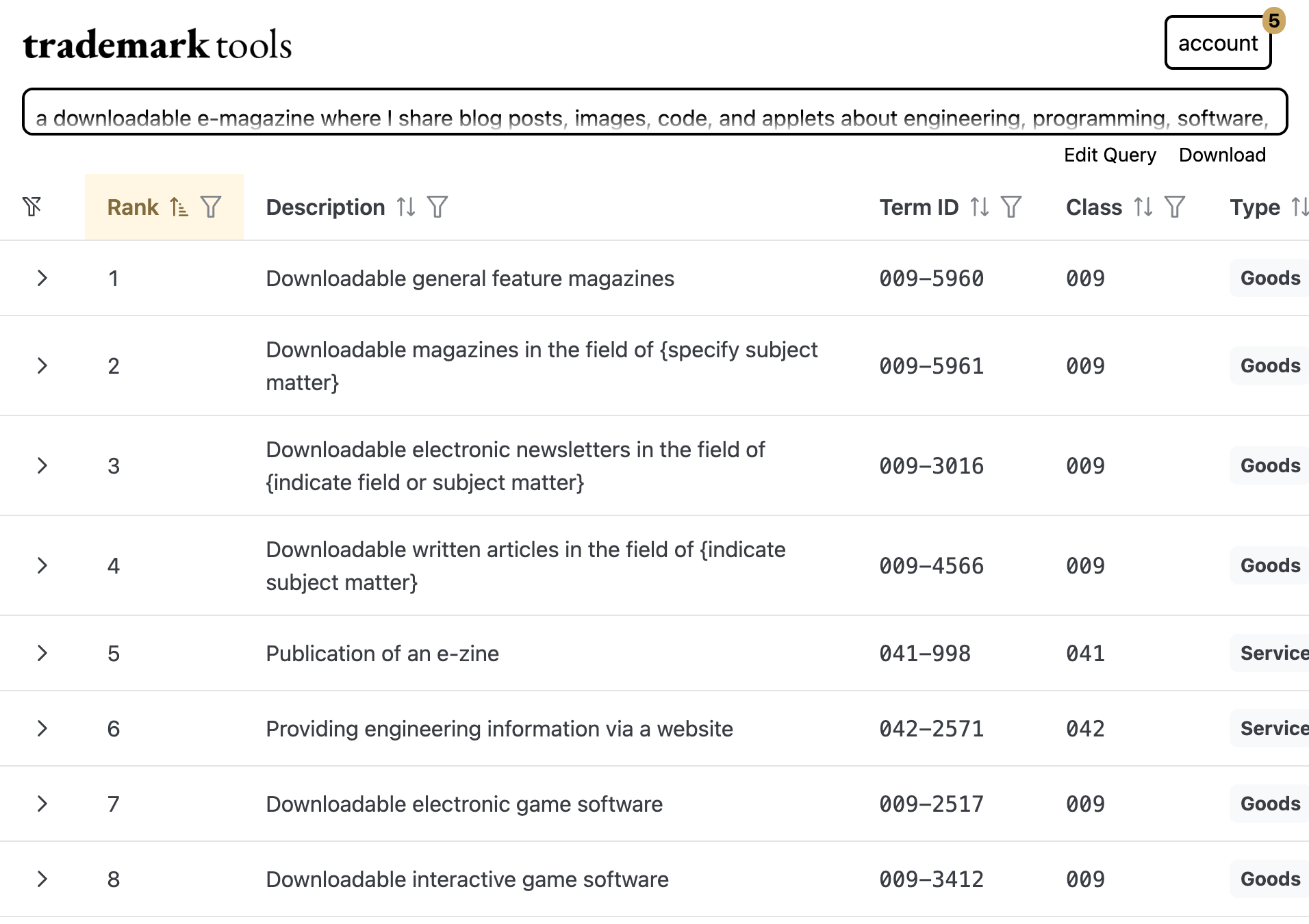
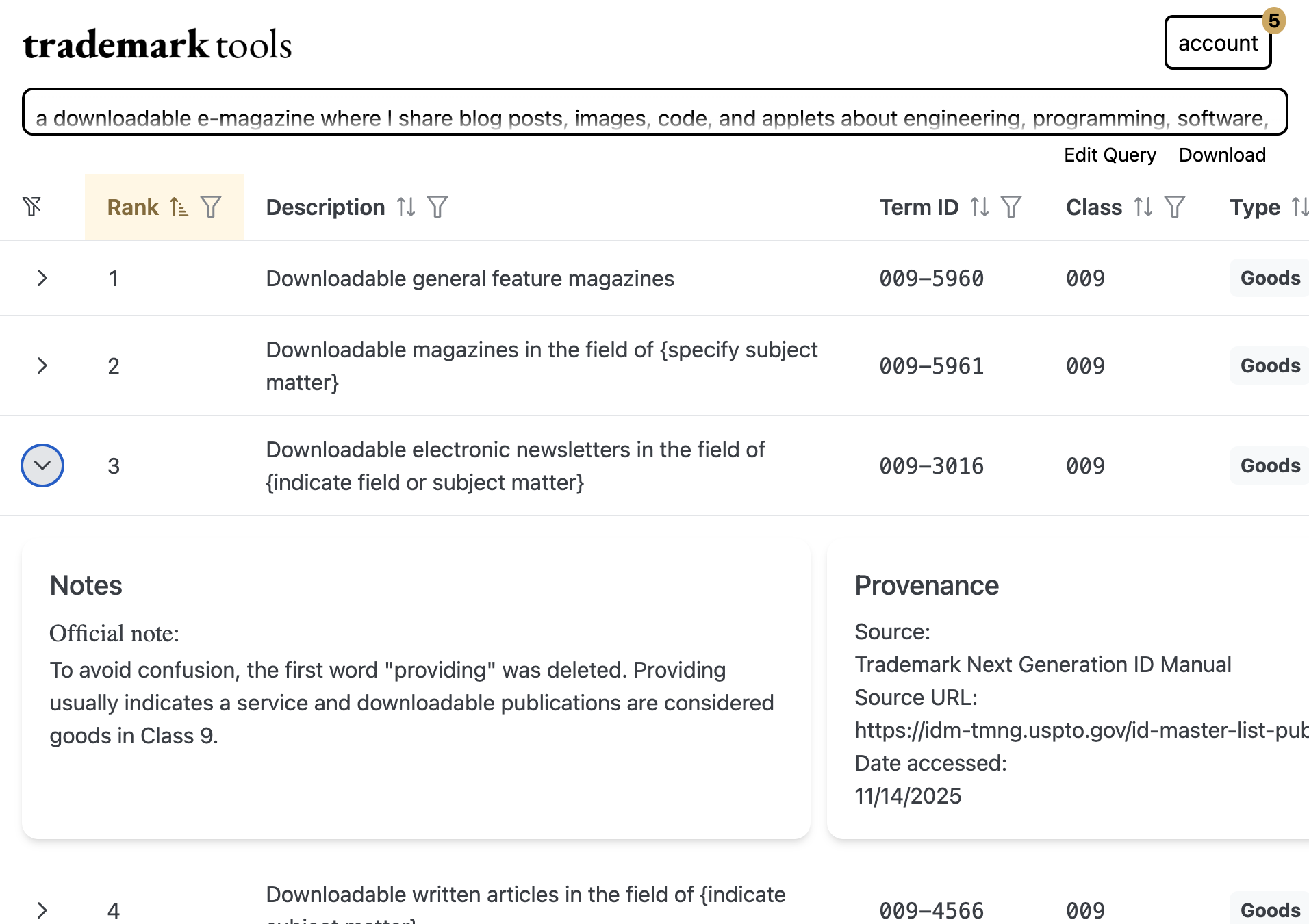
The results also contain notes (if applicable) and a link to the sources.
Try It
© 2024 Erik Nakamura. All rights reserved.
Use of this content is subject to the terms described in the license section of the about page.